What's actually plugged into each port.
Cable Detective reads the macOS I/O Kit registry and tells you exactly what your USB-C, Thunderbolt, and MagSafe ports are doing right now. Check your cables.
Free. No subscription. No account. No cloud.
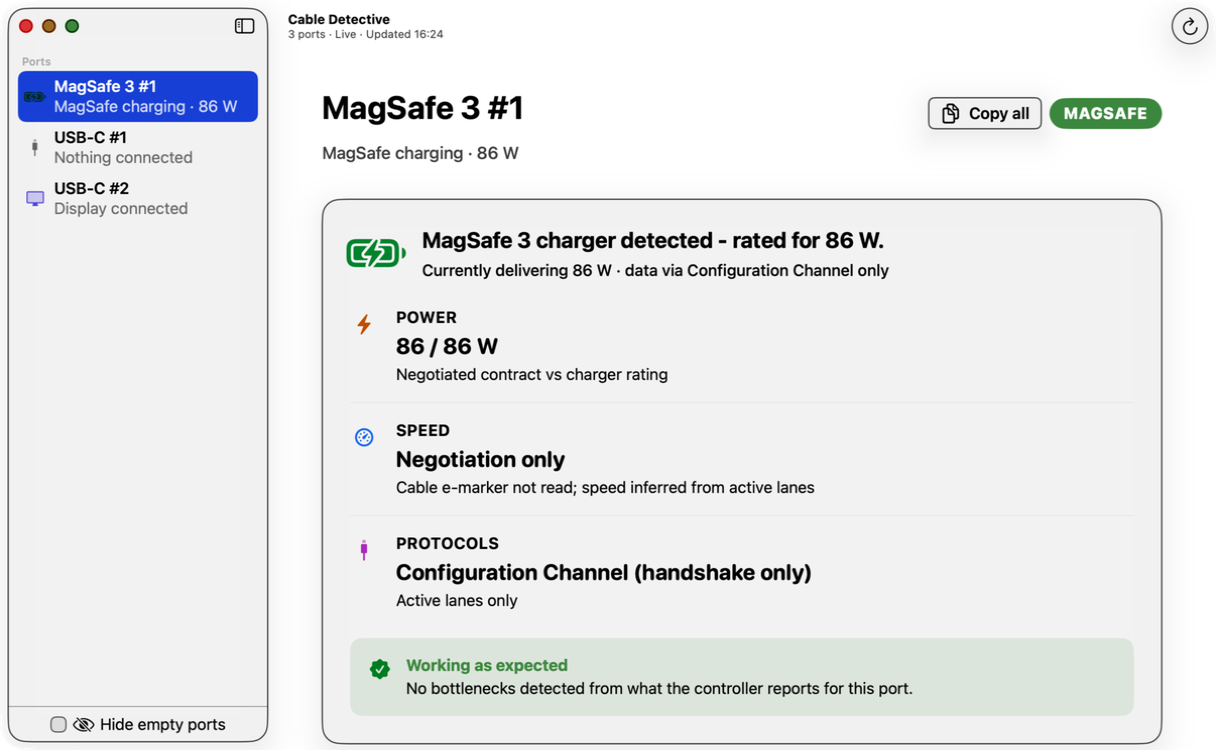
Cable Detective reads the macOS I/O Kit registry and tells you exactly what your USB-C, Thunderbolt, and MagSafe ports are doing right now. Check your cables.
USB-C ports look identical. They behave wildly differently. Cable Detective shows the truth for each one.
A live walkthrough of one MacBook Air. Four physically identical USB-C ports doing four very different jobs - and the Local AI panel that explains each one in plain English, on-device.
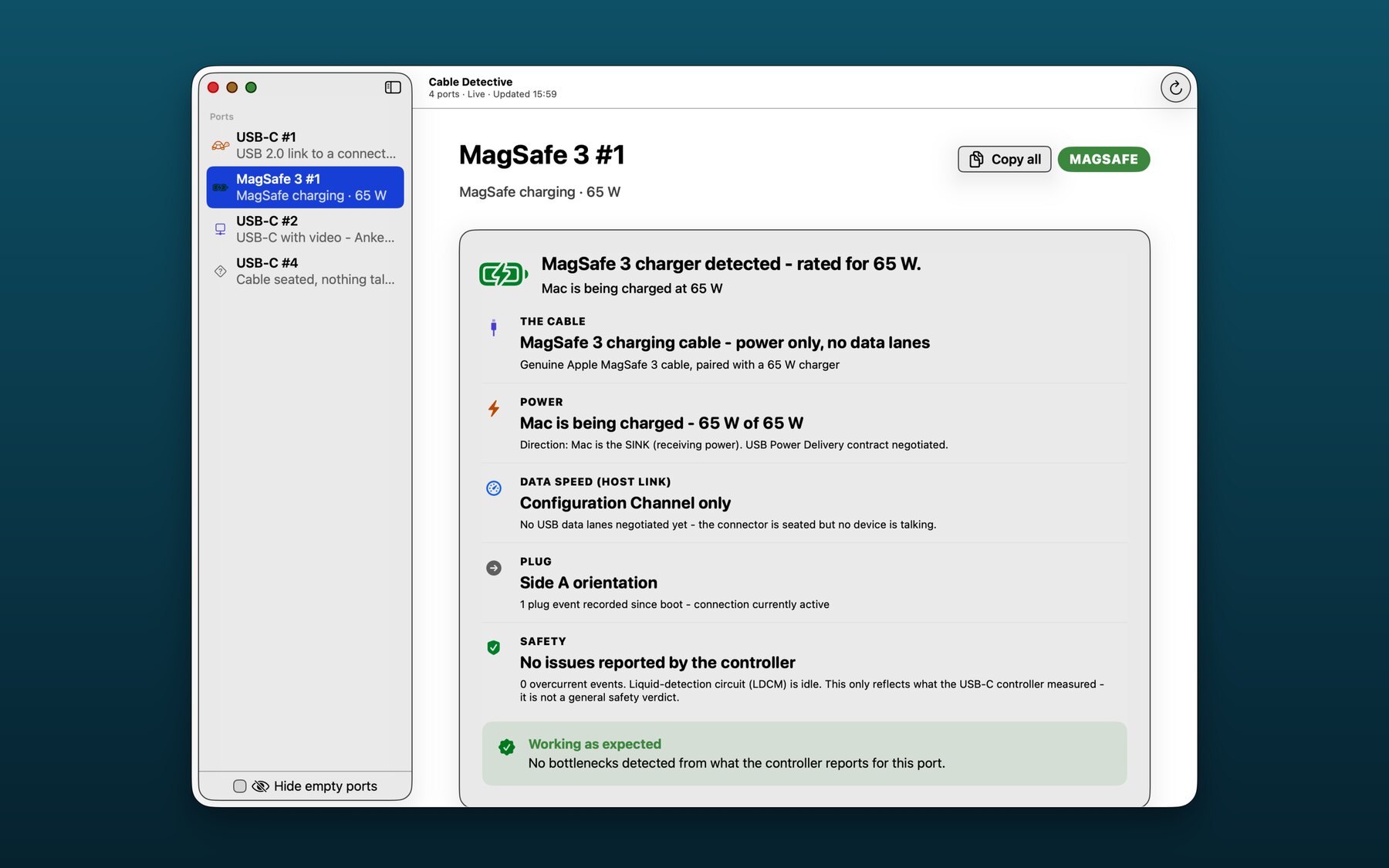
MagSafe 3 - Power-only cable, 65 W of 65 W negotiated, USB Power Delivery contract decoded, no overcurrent events.
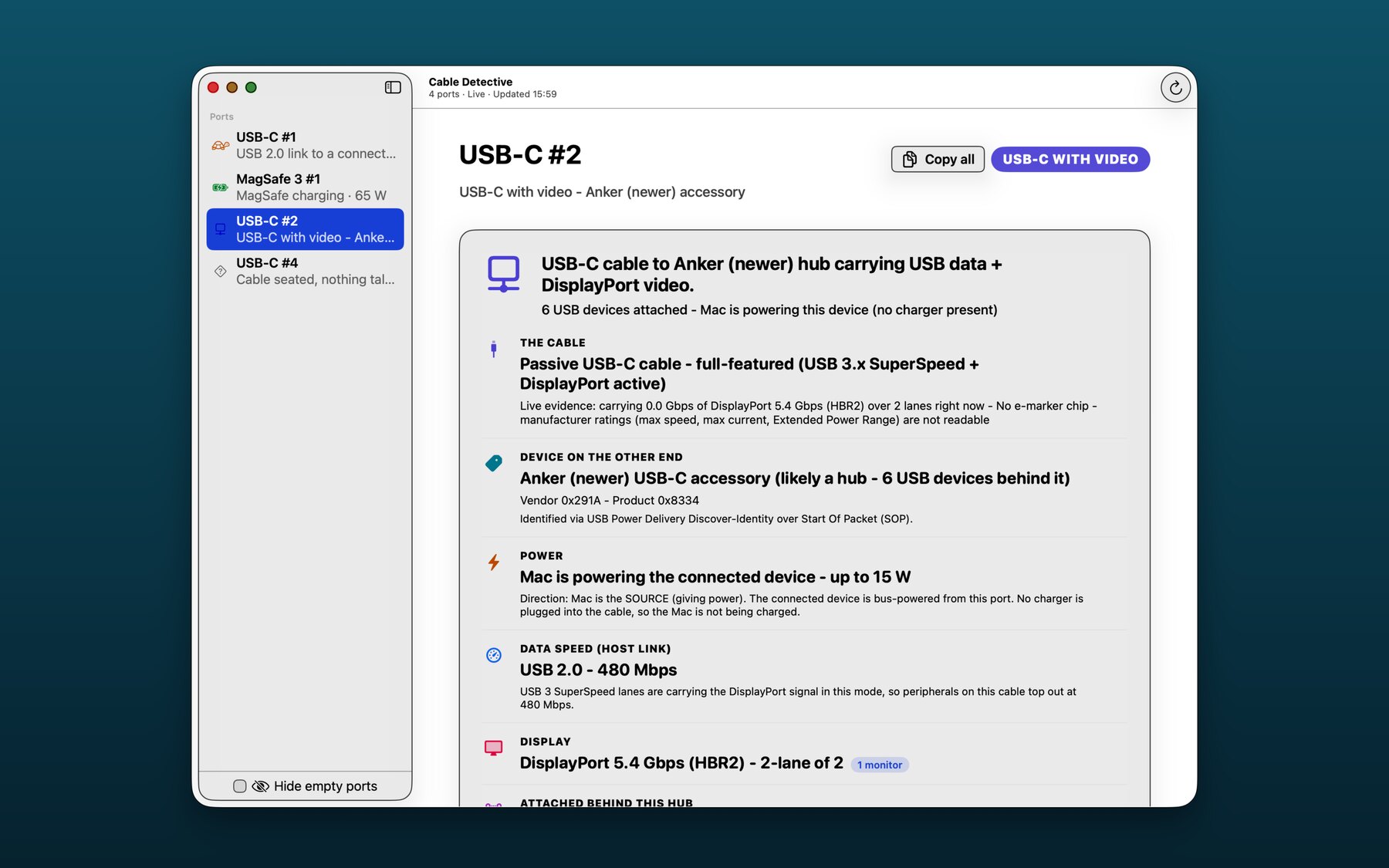
USB-C with hub + video - Anker hub, six USB devices behind it, DisplayPort 5.4 Gbps (HBR2) on 2 lanes, USB 2.0 lanes carrying the data.
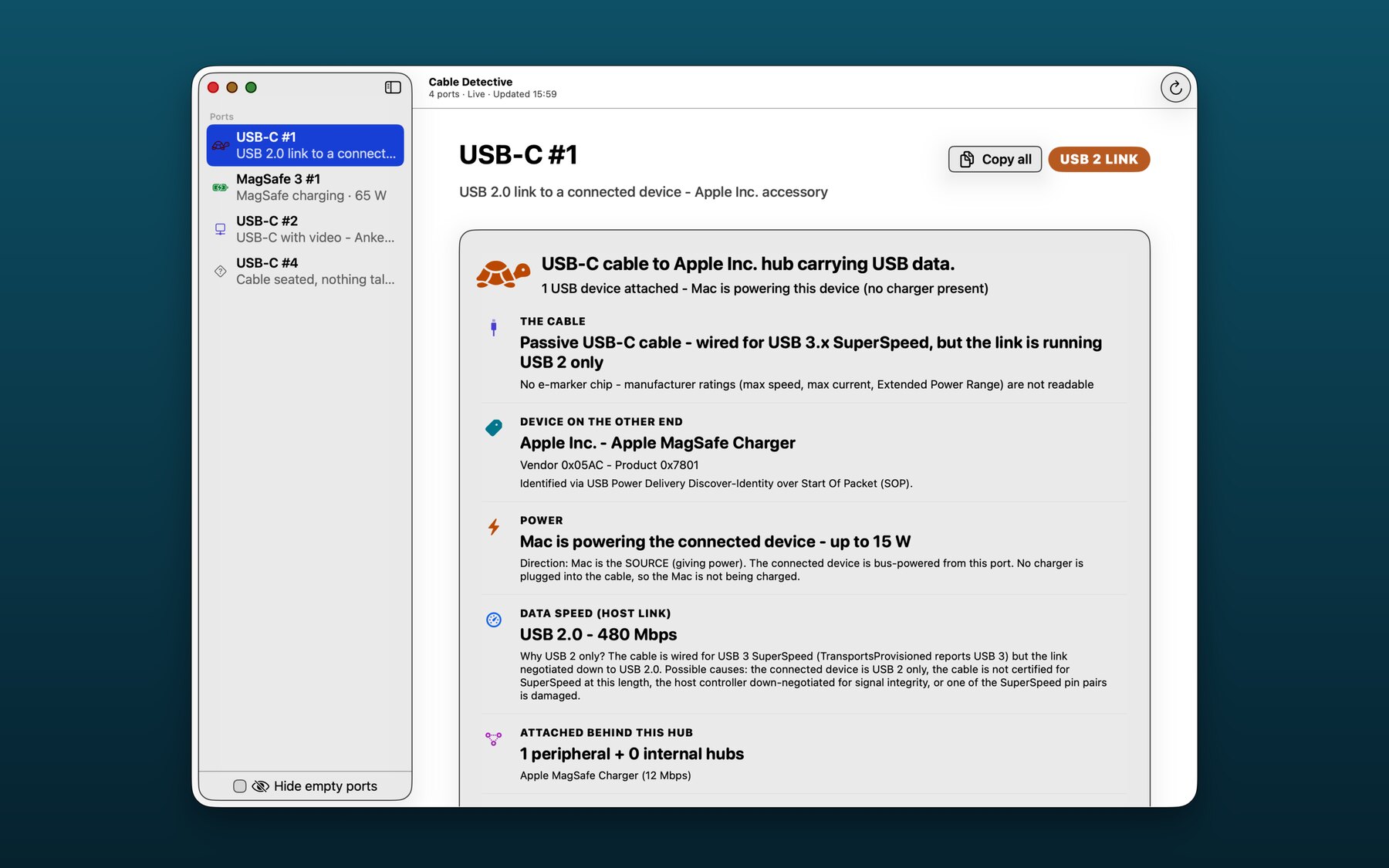
USB-C 2 link - The cable is wired for USB 3.x SuperSpeed but negotiated down to USB 2 only. The Mac is powering the device at 15 W. The detail page tells you which side gave up.
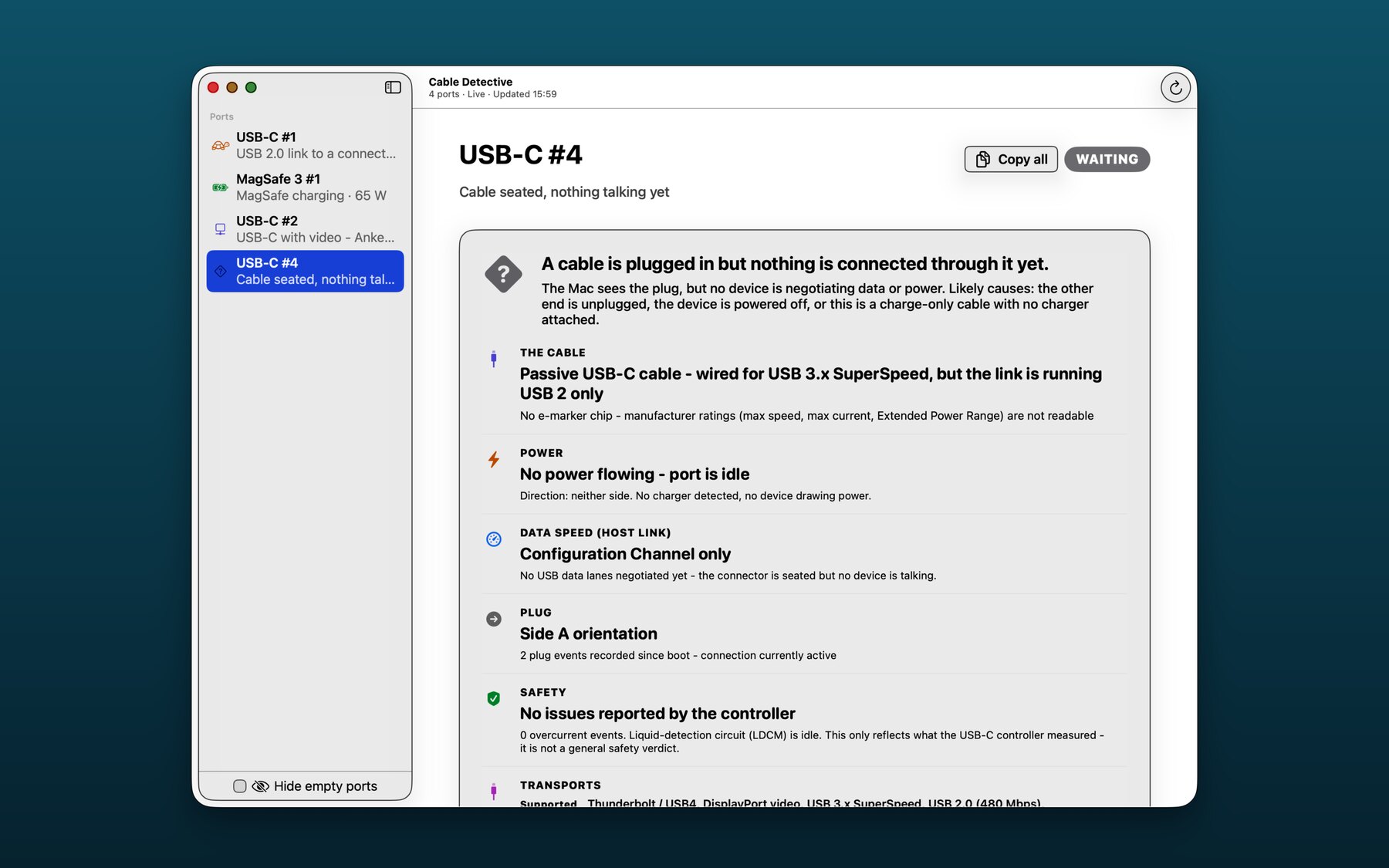
Cable seated, nothing talking - The Mac sees the plug but no device is negotiating. Likely the other end is unplugged, the device is off, or it's a charge-only cable with no charger attached.
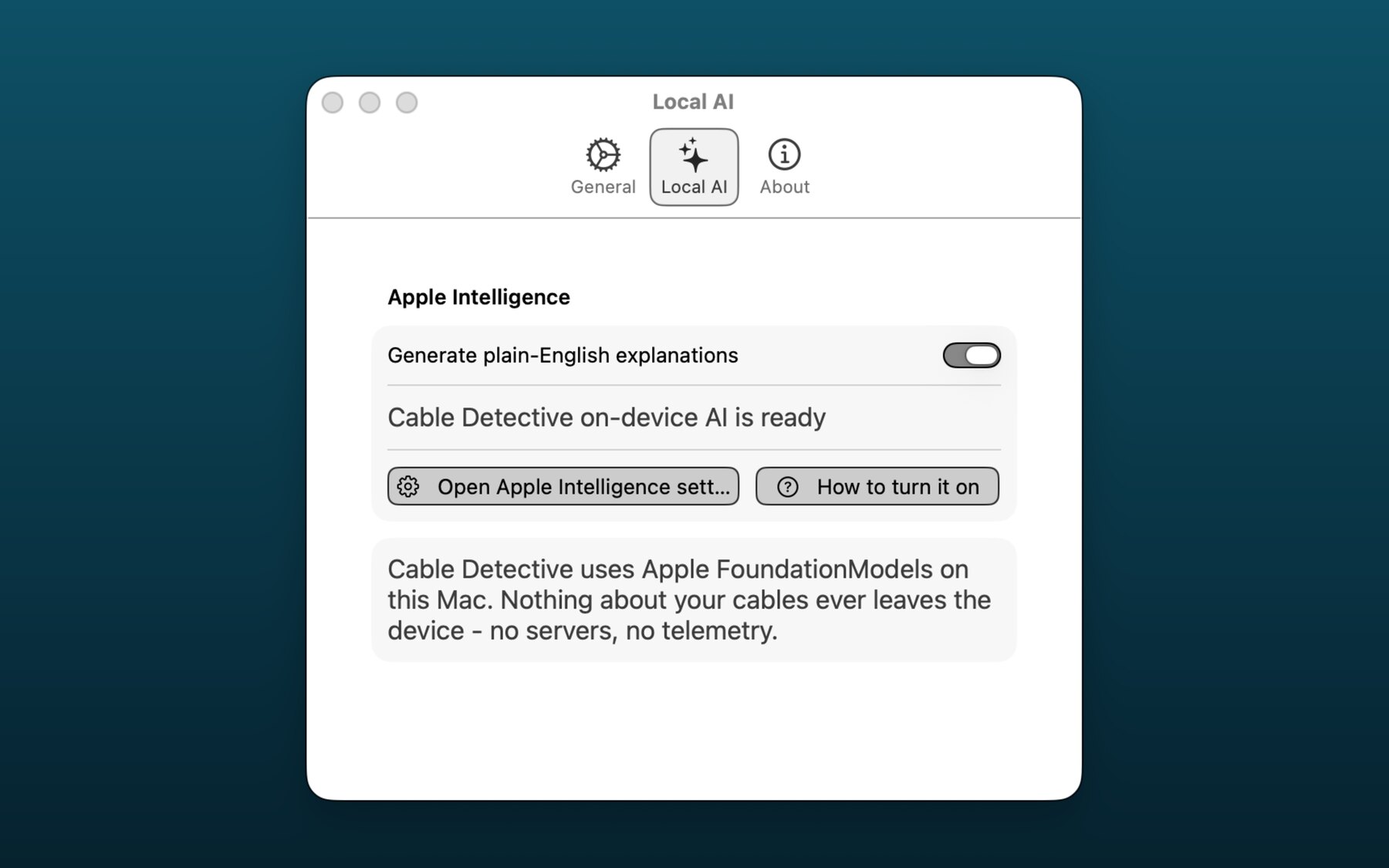
Local AI - Apple Foundation Models, on-device only. Buttons deep-link straight to the macOS Apple Intelligence pane and the official Apple activation guide. Nothing leaves your Mac.
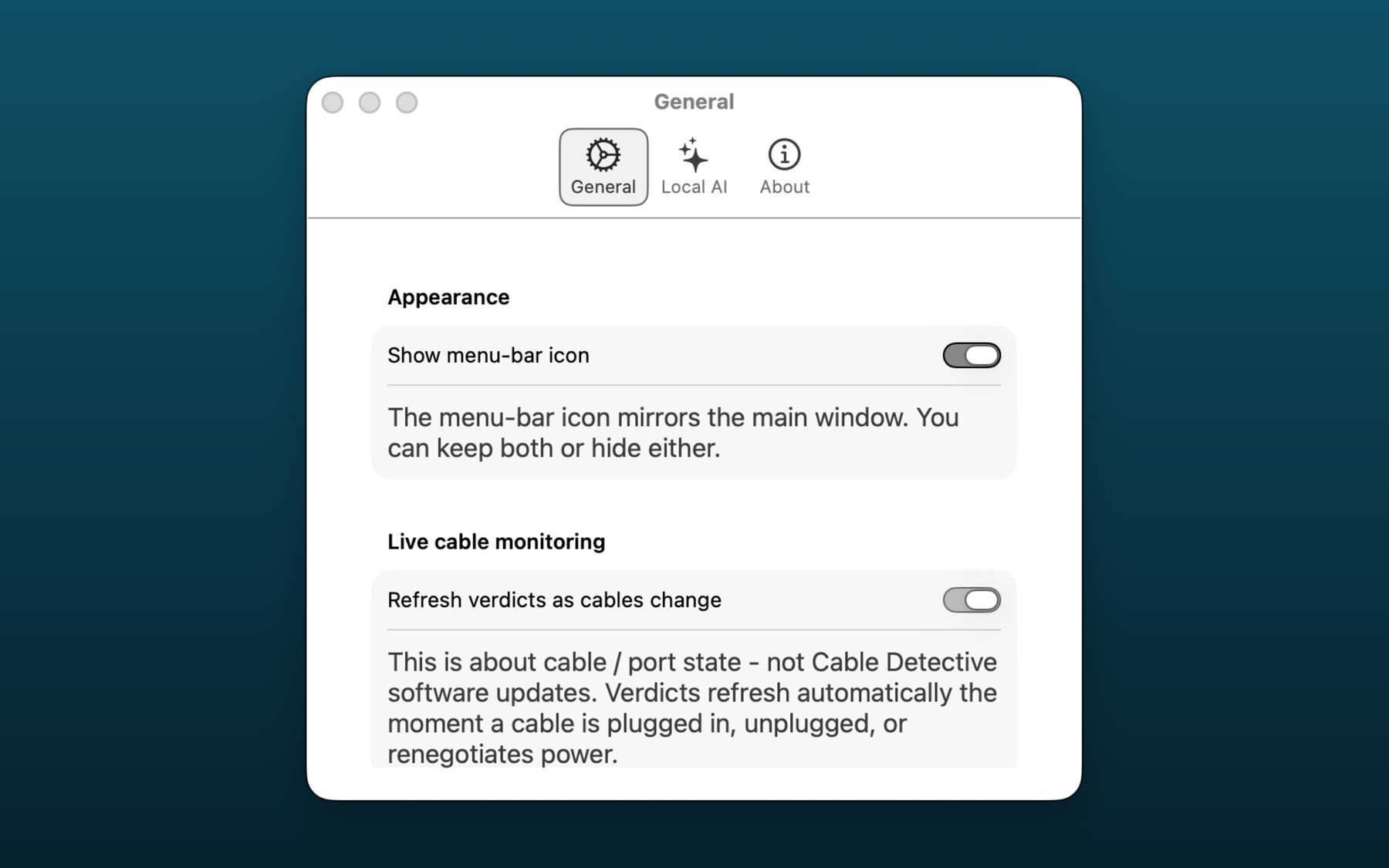
Live cable monitoring - Verdicts refresh the moment a cable is plugged in, unplugged, or renegotiates power. No polling, no flicker, no software updates pinging.
Every one of these is a real pain point people post about. Cable Detective tells you which side - the cable, the charger, the device, or the port - is the cause. No guessing.
Cable Detective has no network entitlement. The app has no servers, no account, no telemetry, no analytics SDK, no crash reporting. The optional AI explanations run on Apple's on-device Foundation Models on your Mac.
If we wanted to phone home, we would need to ship a new build with new entitlements. We don't.
When you tap “Did we get something not quite right?”, the app copies a redacted report to your clipboard and opens your browser. You decide there what to send. The app itself never speaks to a server.
Cable Detective ships v1.1.0 to the Mac App Store. Free, for starters. On-device only.
Download on the Mac App Store